Feeling the lag? Dropped connections ruining your clutch moments? Many US gamers, average age around 36, who juggle jobs, family, and a passion for virtual worlds understand the frustration of unreliable wireless. In 2026, with over 87% of gamers playing regularly and spending upwards of 10 hours a week, a stable, fast internet connection is non-negotiable. This comprehensive guide dives into everything you need to know about selecting the perfect wifi card for your gaming PC. We'll cover the latest standards like Wi-Fi 6E, installation tips, troubleshooting common issues, and ensuring you get the best performance for your money. Whether you're into competitive esports, relaxing with cozy social games, or exploring new VR experiences, upgrading your wifi card can dramatically improve your online stability and speed, letting you focus on the fun without the frustrating disconnects. Say goodbye to latency spikes and hello to seamless gaming. This resource is designed for busy gamers seeking practical, budget-friendly solutions to optimize their setup and reclaim their precious gaming time.
Q: What is the best wifi card for gaming PC in 2026?
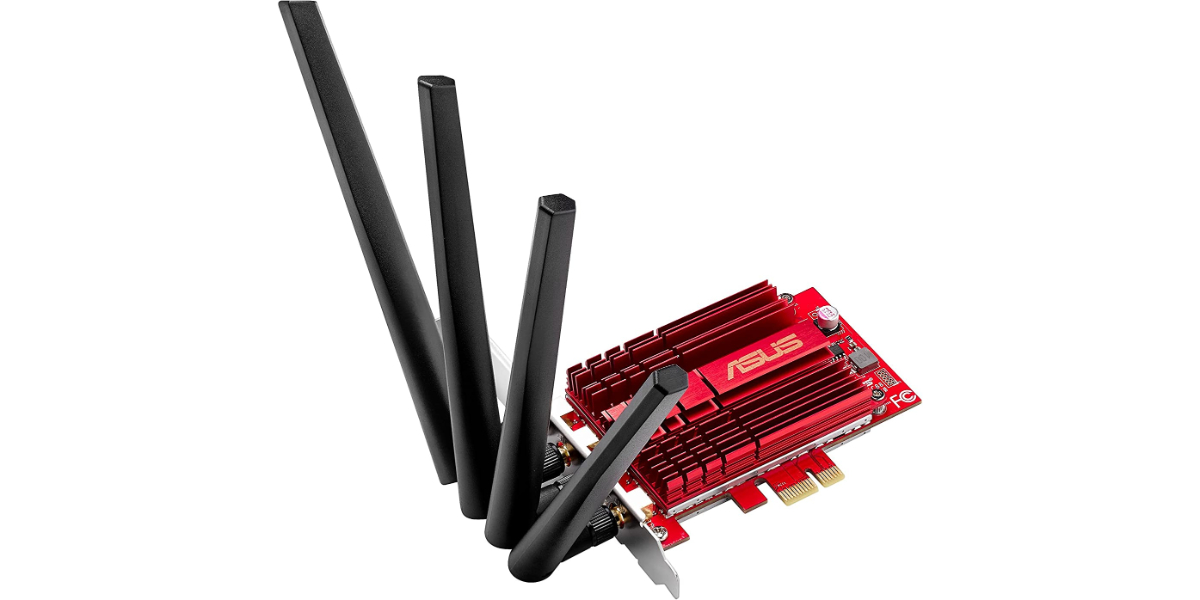
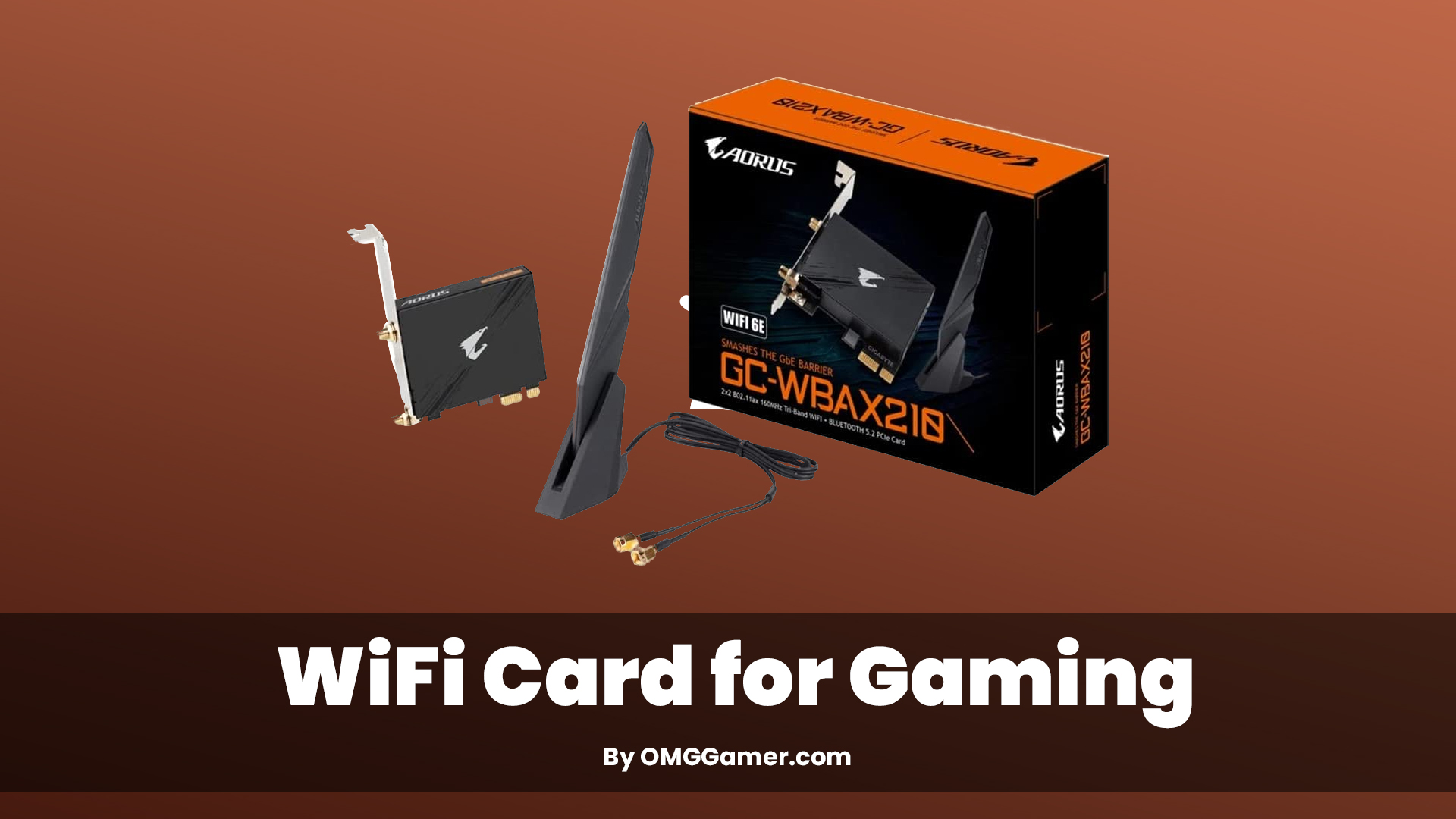
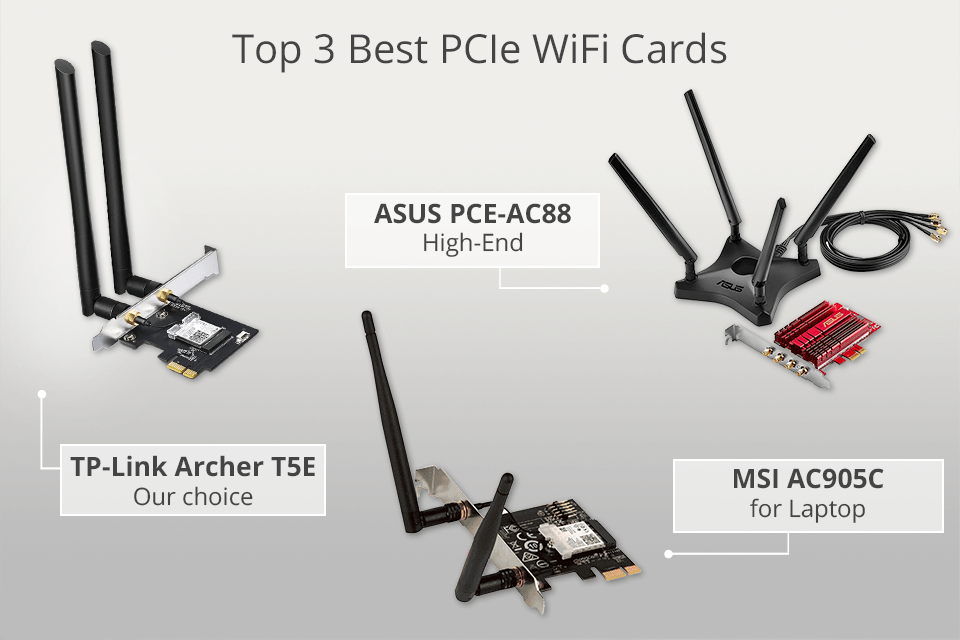
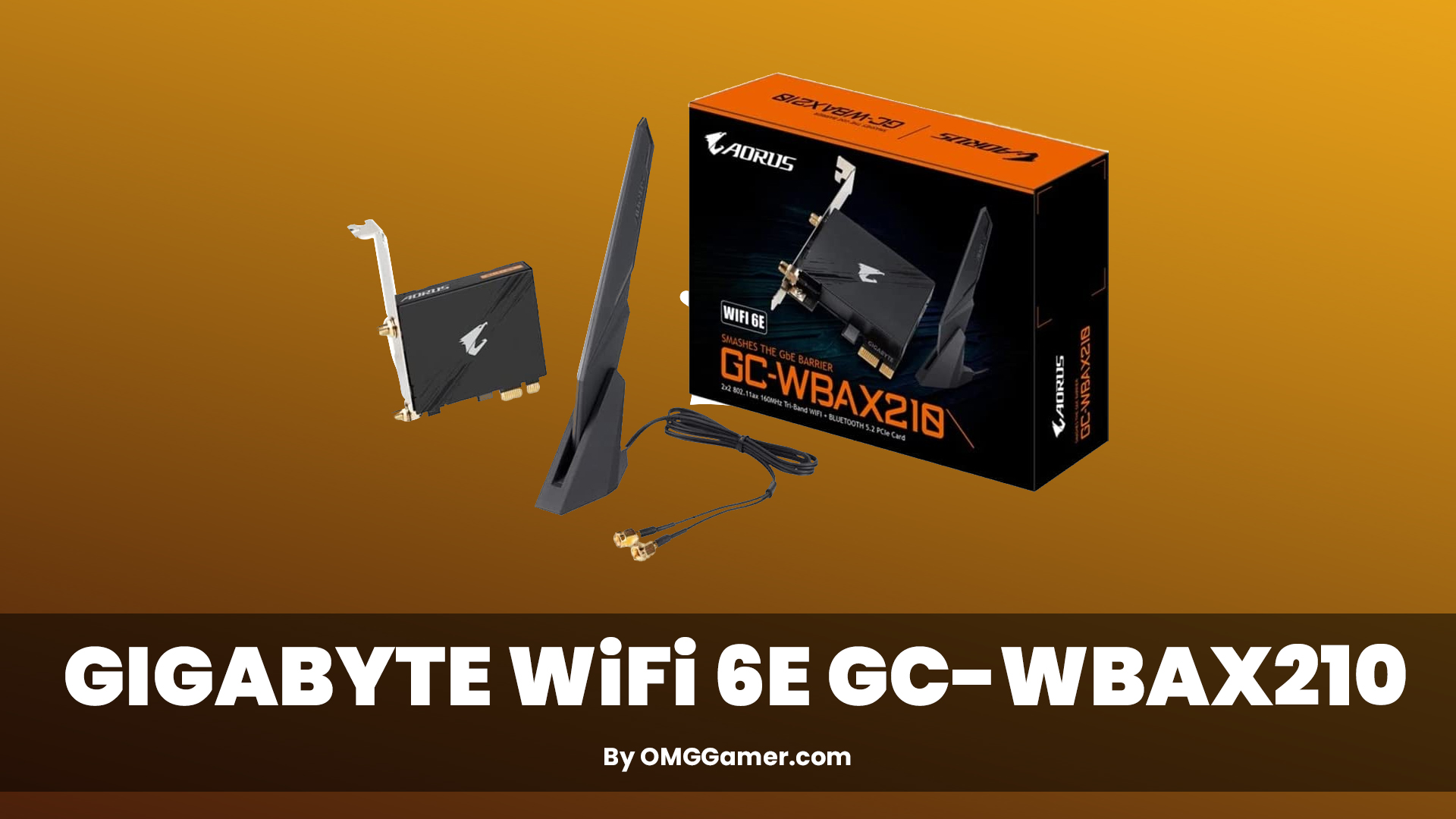
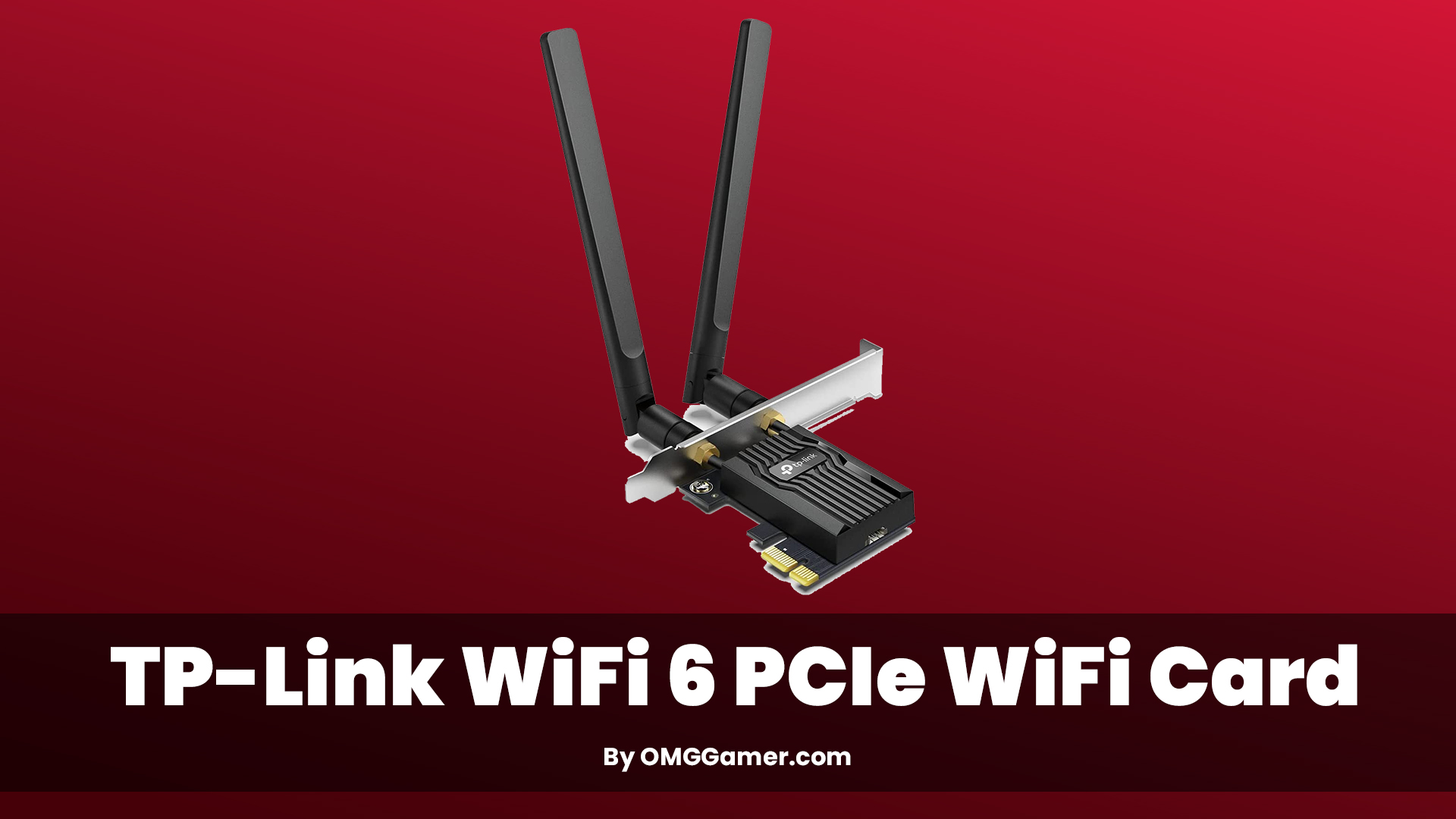
A: For 2026, the best wifi card for gaming PC is generally one that supports Wi-Fi 6E (802.11ax on the 6GHz band) and uses a PCIe interface. Look for cards with Intel AX210 or newer chipsets, external adjustable antennas, and Bluetooth 5.2+ integration. Brands like ASUS, TP-Link, and Gigabyte offer excellent PCIe Wi-Fi 6E cards that provide ultra-low latency and high speeds, essential for competitive online gaming and smooth streaming.
Q: How do I install a wifi card in my desktop gaming PC?
A: Installing a wifi card involves powering down and unplugging your PC, opening the case, locating an empty PCIe x1 slot on your motherboard, and gently inserting the card until it clicks. Secure it with a screw, attach the external antennas, close the case, and power on. Finally, install the latest drivers from the card manufacturer's website for optimal performance, rather than relying on generic Windows drivers.
Q: Does a wifi card affect ping and latency in games?
A: Absolutely. A high-quality wifi card significantly impacts ping and latency. Older or lower-quality cards can introduce delays, packet loss, and unstable connections, leading to higher ping and frustrating lag spikes. A modern Wi-Fi 6 or especially Wi-Fi 6E card, combined with a compatible router, minimizes these issues by providing a faster, more stable, and less congested wireless connection, crucial for responsive gaming.
Q: Is Wi-Fi 6E worth it for a gaming PC, and what are its benefits?
A: Yes, Wi-Fi 6E is highly worth it for a gaming PC, especially if you have a Wi-Fi 6E compatible router. Its primary benefit is access to the exclusive 6GHz frequency band, which is largely uncongested. This means significantly less interference from other devices, drastically lower latency, and incredibly faster speeds, providing a dedicated, superhighway-like connection for your gaming PC, making your online experience smoother and more responsive.
Q: What's the difference between a PCIe and USB wifi adapter for gaming?
A: A PCIe wifi card for gaming PC plugs directly into your motherboard's PCIe slot, offering a stable, high-bandwidth connection with superior external antennas and usually better thermal management. USB wifi adapters are external, portable, and convenient but often suffer from higher latency, limited bandwidth, and smaller, less effective antennas. For serious gaming performance and reliability, PCIe is the clear winner over USB adapters.
Q: How can I troubleshoot poor wifi performance on my gaming PC after installing a new card?
A: If you're experiencing poor performance, first ensure you've installed the latest drivers directly from the card's manufacturer. Check your antenna connections and try adjusting their orientation. Verify your router's firmware is up-to-date and experiment with different Wi-Fi channels in your router settings to avoid congestion. Also, ensure your PC is not too far from the router or obstructed by walls and large metal objects. Sometimes, even reinstalling drivers can resolve issues.
Q: Should I get a wifi card with Bluetooth for my gaming setup?
A: Many modern PCIe wifi cards for gaming PCs come with integrated Bluetooth 5.2 or newer, and it's highly recommended. This feature allows you to connect wireless gaming headsets, controllers, and other peripherals directly to your PC without needing a separate dongle. It streamlines your setup and often offers better range and stability than standalone Bluetooth adapters, making it a convenient and value-added feature for any gamer.
Ever been in the middle of a crucial raid, a tense PvP match, or just a chill co-op session with friends on Discord, only for your internet to stutter, lag, or completely drop out? For many of us US gamers, who balance demanding jobs and family life, gaming is a cherished escape. We don't have endless hours, so every minute counts. The last thing we need is our hardware sabotaging our precious relaxation time. With 87% of US gamers engaging regularly and many dedicating over 10 hours a week, a stable connection isn't a luxury; it's a necessity for enjoying popular titles, staying competitive in esports, or simply unwinding with social games.
This is where your PC's wireless capabilities become critical. While a wired Ethernet connection is always king for stability, it's not always practical. If your gaming rig isn't right next to your router, a high-quality wifi card for gaming PC is your best friend. But with so many options and confusing tech specs, how do you choose the right one without breaking the bank or wasting hours on research? You're not alone in these struggles. Many gamers seek reliable performance on a budget, and understanding hardware upgrades is key to smart spending. This guide is built to cut through the hype, offering practical, actionable advice to help you pick, install, and optimize a wifi card that keeps you connected and competitive, allowing you to focus on building skills and enjoying your virtual adventures.
Why Is a Dedicated WiFi Card Essential for PC Gaming?
Many pre-built PCs or older motherboards come with integrated Wi-Fi, but these are often entry-level solutions not designed for the demanding, low-latency needs of gaming. A dedicated wifi card for gaming PC offers superior antenna design, advanced chipsets, and support for the latest Wi-Fi standards like Wi-Fi 6 and Wi-Fi 6E. This translates directly to faster speeds, lower ping, and a more stable connection, significantly reducing frustrating lag spikes and disconnects. Especially with modern games pushing more data and social gaming being a huge trend, reliable wireless is non-negotiable.
What are the Latest WiFi Standards and Why Do They Matter for Gamers?
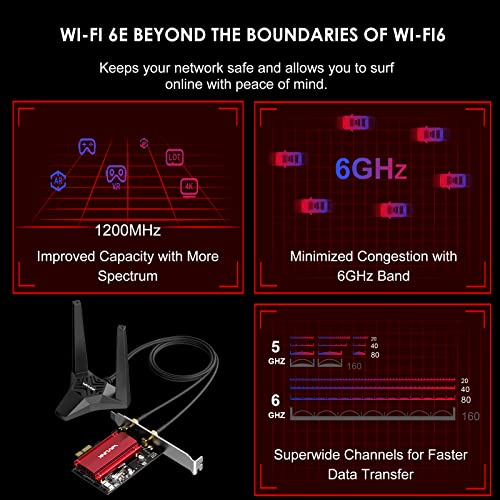
In 2026, you'll primarily encounter Wi-Fi 6 (802.11ax) and Wi-Fi 6E. Wi-Fi 6 brings significant improvements over previous generations, offering faster theoretical speeds, better efficiency in crowded network environments (OFDMA), and improved battery life for connected devices. Wi-Fi 6E is the game-changer for gamers. It extends Wi-Fi 6 capabilities into the 6GHz frequency band, a brand-new, uncongested highway for wireless data. This means dramatically reduced interference, lower latency, and incredibly fast speeds, especially crucial for competitive gaming where every millisecond counts. If you have a compatible router, Wi-Fi 6E is the gold standard for your wifi card for gaming PC.
PCIe vs. USB WiFi Adapters: Which is Better for Gaming?
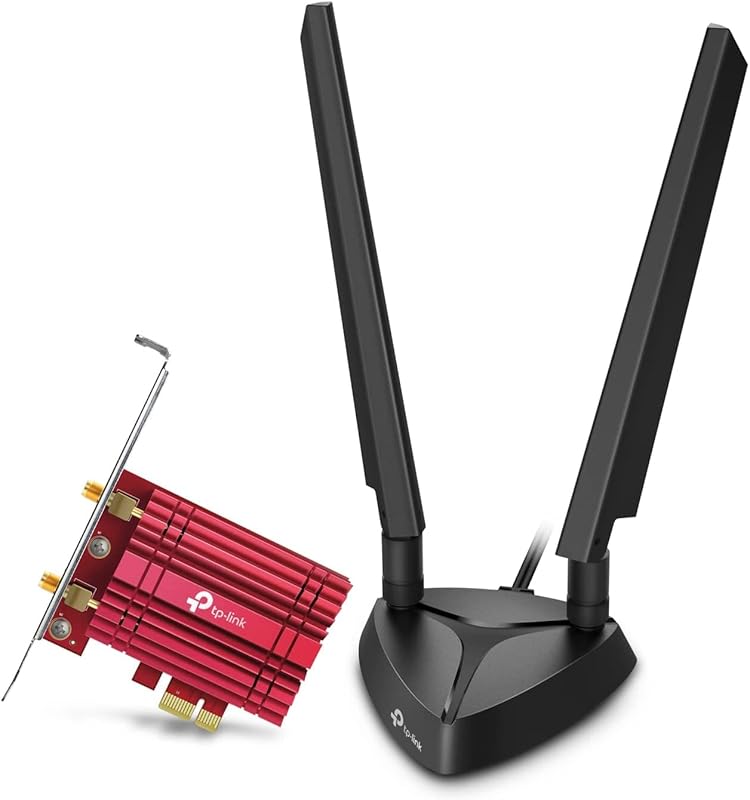
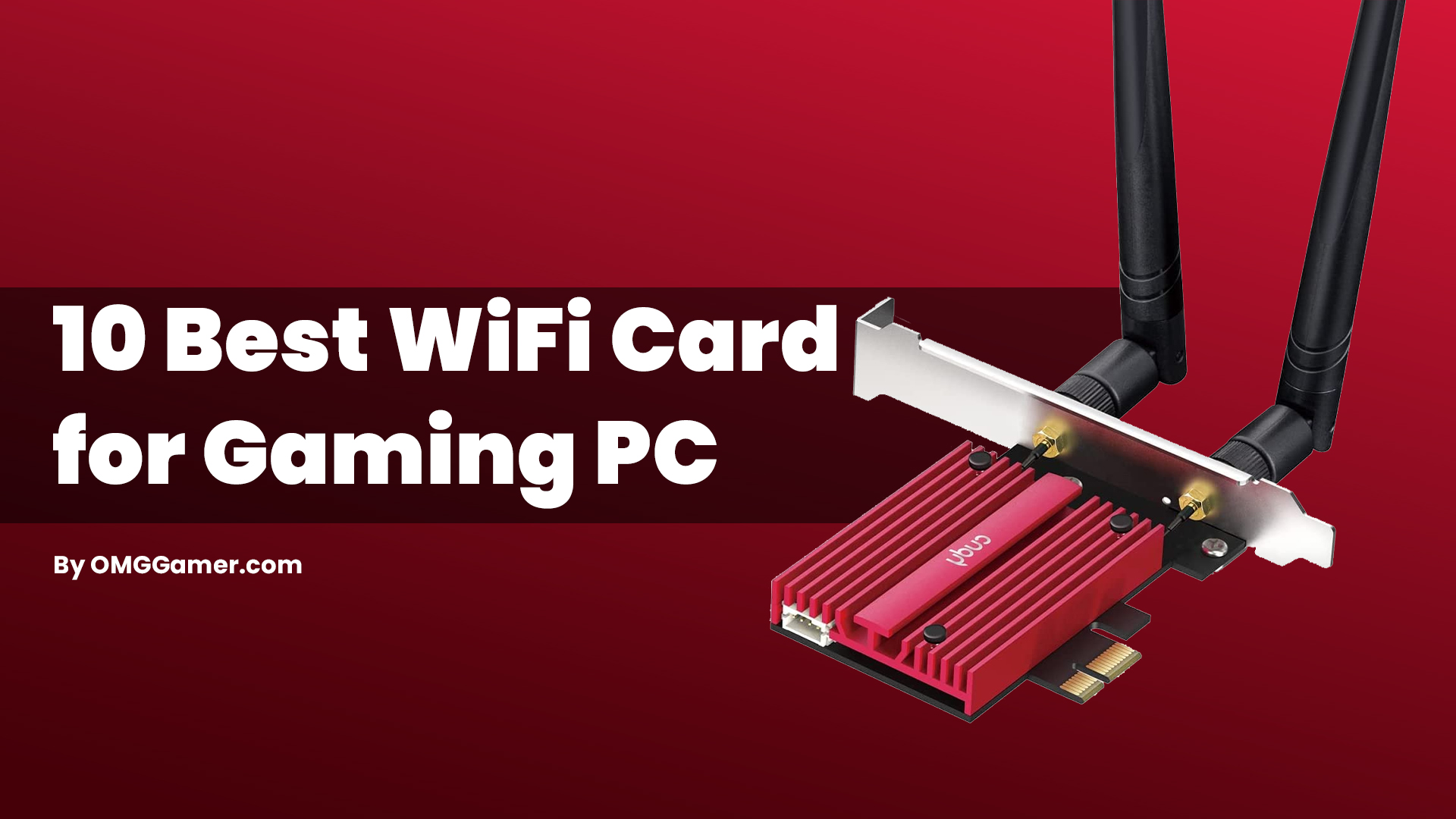
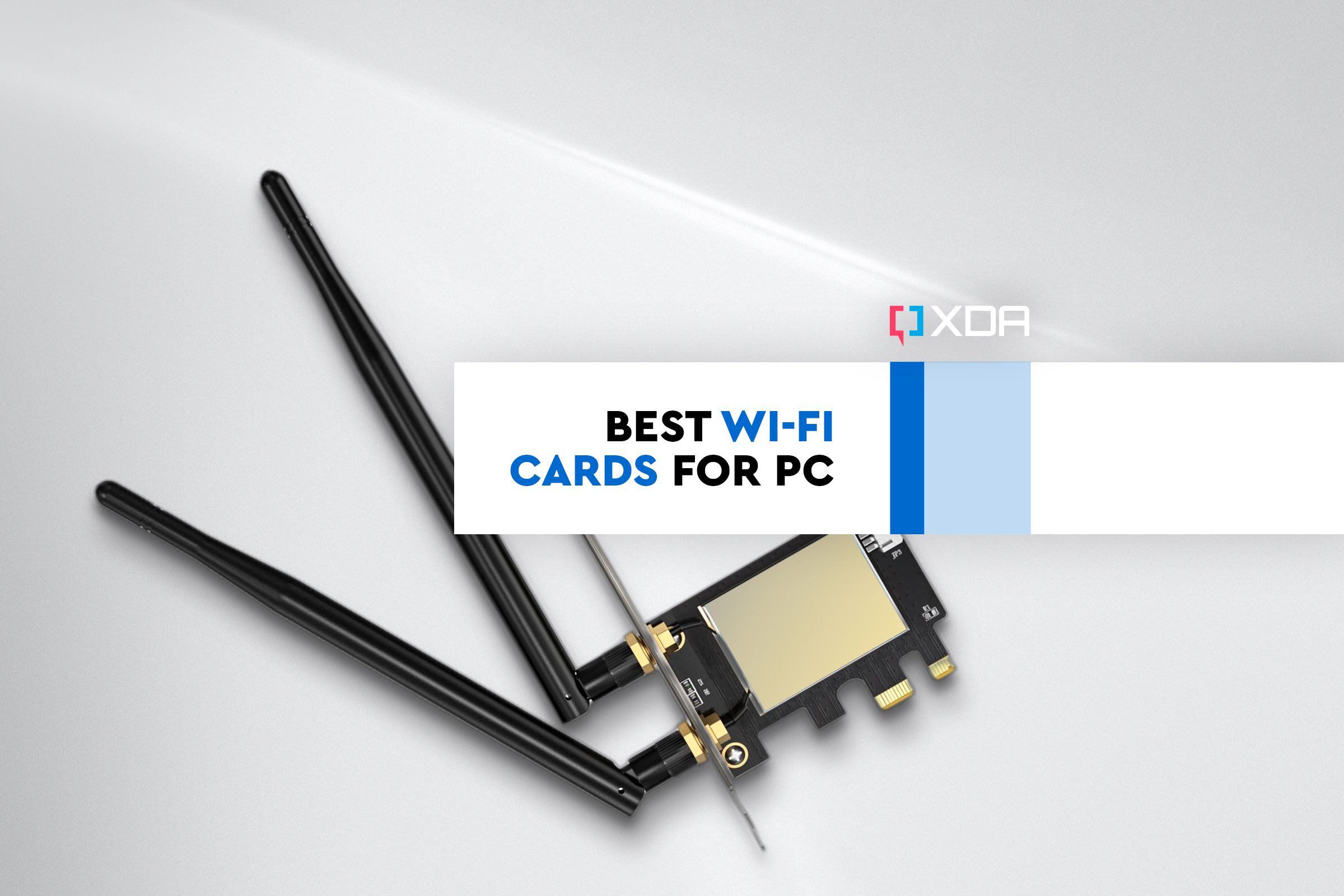
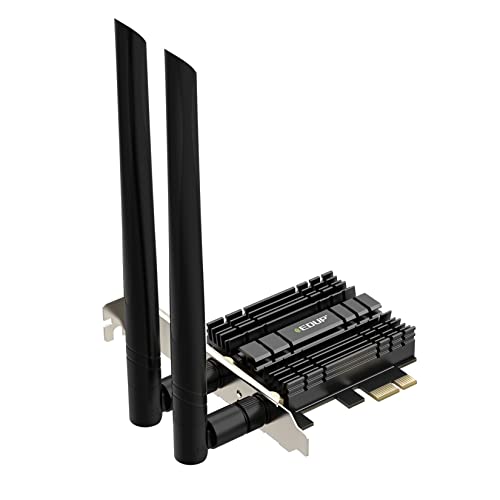
For a gaming PC, a PCIe (Peripheral Component Interconnect Express) wifi card is almost always the superior choice. These cards connect directly to your motherboard, offering a more stable and higher-bandwidth connection. They often feature larger, external antennas for better signal reception and are less prone to accidental disconnections or port issues. USB adapters, while convenient for laptops or quick fixes, can introduce latency, are limited by USB port speeds, and generally offer poorer antenna performance. For serious gaming, invest in a PCIe wifi card for optimal results.
How Do I Install a New WiFi Card in My Gaming PC?
Installing a PCIe wifi card is simpler than it sounds. Here's a quick rundown:
- Power Down and Unplug: Always ensure your PC is completely off and unplugged from the wall.
- Open Your PC Case: Remove the side panel to access your motherboard.
- Locate an Available PCIe Slot: Look for a vacant PCIe x1 slot (the smallest ones) or a larger PCIe x16 slot.
- Insert the Card: Carefully align the wifi card with the slot and push down firmly until it clicks into place. Secure it with a screw if your case requires it.
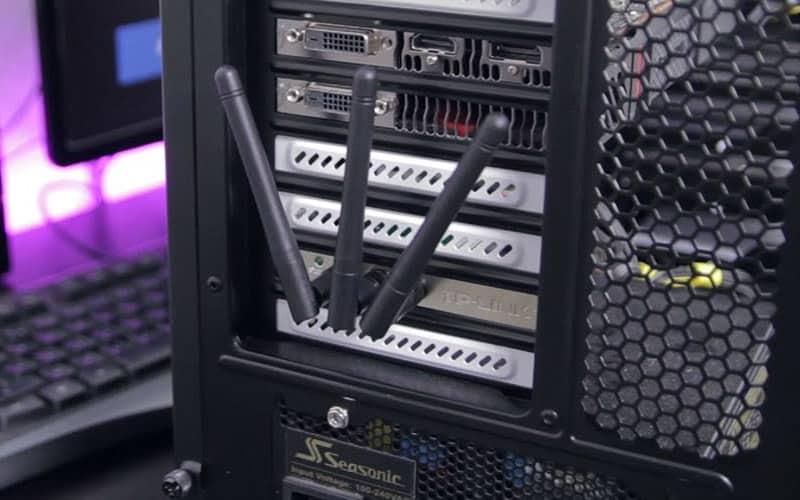
- Attach Antennas: Screw the included antennas onto the back of the card. Proper antenna placement is crucial for good signal.
- Close Case and Power Up: Reattach the side panel, plug in your PC, and power it on.
- Install Drivers: Once booted into Windows, install the latest drivers from the manufacturer's website. Do not rely solely on Windows Update for this.
What Features Should I Look For When Buying a Gaming WiFi Card?
When selecting a wifi card for gaming PC, prioritize these features:
- Wi-Fi Standard: Aim for Wi-Fi 6E if you have a compatible router and want future-proofing. Otherwise, Wi-Fi 6 is a strong contender.
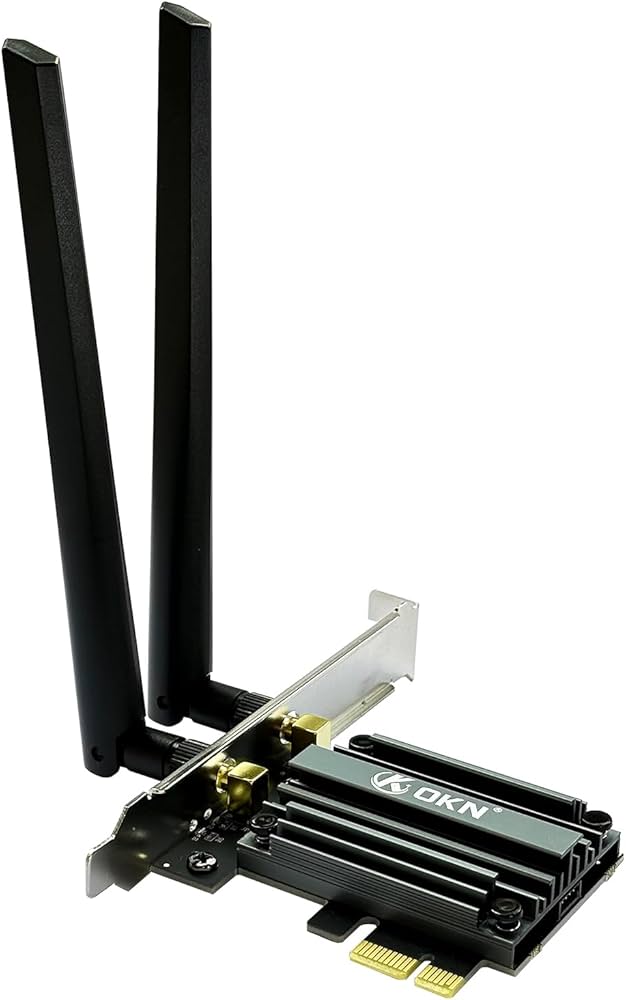
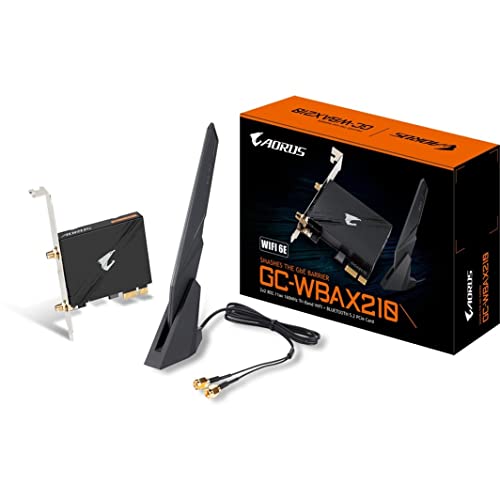
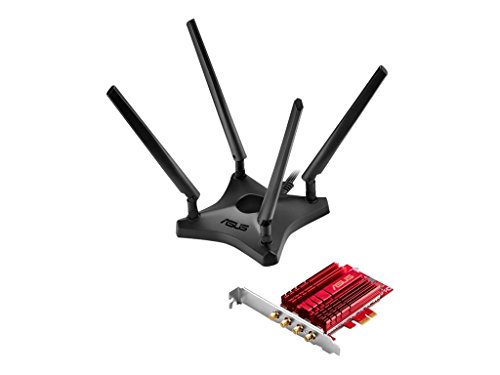
- Antenna Quality: Look for external, adjustable antennas. Some cards offer magnetic antenna bases for optimal placement.
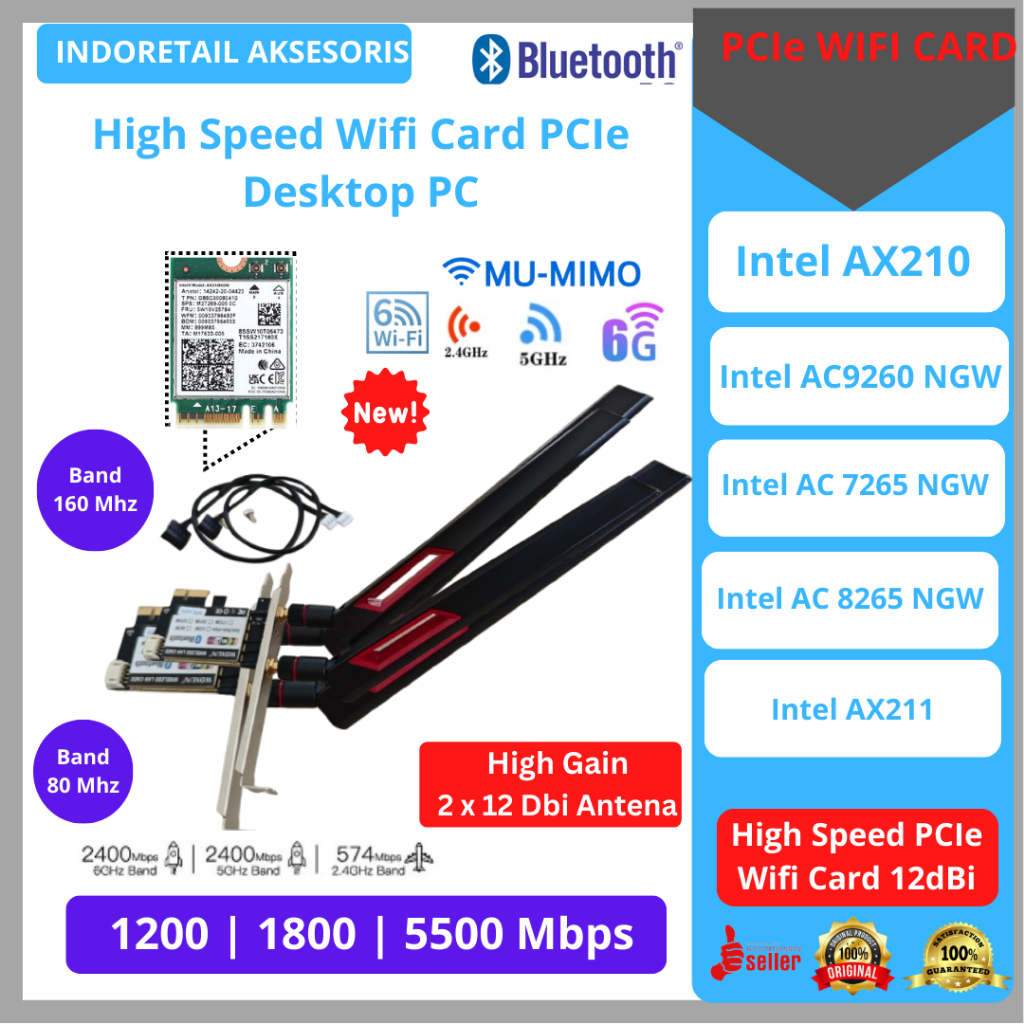
- Bluetooth Integration: Many PCIe Wi-Fi cards include Bluetooth 5.2 or newer, handy for controllers, headsets, and other peripherals.
- MU-MIMO and OFDMA: These technologies improve network efficiency, especially in households with multiple devices connected to Wi-Fi.
- Brand Reputation: Stick with reputable brands like Intel (often the chipset inside), TP-Link, ASUS, or MSI for reliability and driver support.
How Can I Optimize My WiFi Card Performance for Gaming?
Even with the best wifi card for gaming PC, optimization is key:
- Driver Updates: Regularly check the manufacturer's website for the latest drivers.
- Antenna Placement: Experiment with antenna orientation. Sometimes moving them slightly can make a big difference. Avoid placing your PC in a corner or near large metal objects.
- Router Placement: Position your router centrally and high up, away from obstructions.
- Channel Optimization: Access your router settings and try different Wi-Fi channels to find the least congested one. Free tools can help analyze local network traffic.
- Firmware Updates: Keep your router's firmware updated.
- Quality of Service (QoS): Enable QoS on your router to prioritize gaming traffic over other activities like streaming or downloads.
When Should I Consider Upgrading My WiFi Card?
It's time to consider a new wifi card for gaming PC if you experience:
- Frequent Disconnects: Your connection drops unexpectedly during gameplay.
- High Ping/Latency Spikes: Your ping is consistently high or jumps erratically, causing noticeable lag.
- Slow Download/Upload Speeds: Your wireless speeds are significantly lower than what your internet plan promises or what a wired connection delivers.
- Older Wi-Fi Standard: You're still on Wi-Fi 5 (802.11ac) or older, and your router supports newer standards.
- New Router: You've upgraded to a Wi-Fi 6 or Wi-Fi 6E router but your PC can't take advantage of its features.
Choosing and optimizing the right wifi card for your gaming PC doesn't have to be a headache. By understanding the latest standards, opting for a quality PCIe card, and following some simple optimization tips, you can transform your wireless gaming experience. Remember, a stable connection means more clutch plays, more social interaction, and ultimately, more fun during your valuable gaming time. Don't let a subpar connection hold you back from enjoying the incredible world of gaming in 2026.
What's your biggest gaming connectivity challenge? Comment below!
FAQ Section
Q: Do all gaming PCs need a separate WiFi card?
A: Not necessarily. Many modern motherboards include decent integrated Wi-Fi. However, a dedicated PCIe wifi card for gaming PC often provides superior performance, better antenna reception, and access to newer standards like Wi-Fi 6E, making it a worthwhile upgrade for serious gamers.
Q: Can a WiFi card improve my internet speed?
A: Yes, a modern wifi card can significantly improve your *wireless* internet speed if your router and internet plan support faster speeds. It helps ensure your PC can fully utilize the bandwidth available, reducing bottlenecks and enhancing overall network performance.
Q: Is Wi-Fi 6E overkill for gaming?
A: For competitive gaming, Wi-Fi 6E is far from overkill. Its use of the uncongested 6GHz band dramatically reduces interference and latency, providing a cleaner, faster connection crucial for twitch-response games. For casual gaming, Wi-Fi 6 is usually sufficient, but 6E offers excellent future-proofing.
Q: Will a new WiFi card fix all my lag issues?
A: A new wifi card can significantly reduce lag caused by poor wireless connectivity, interference, or outdated standards. However, it won't fix lag issues stemming from your internet service provider, an overloaded network, or server-side problems. It's one piece of the performance puzzle.
Optimal WiFi card for gaming PC, Wi-Fi 6E benefits, Installation guide, Troubleshooting lag, Budget-friendly upgrades, Gaming performance boost, Low latency wireless, Router compatibility, PCIe vs USB WiFi adapters, Driver updates, Antenna placement.
35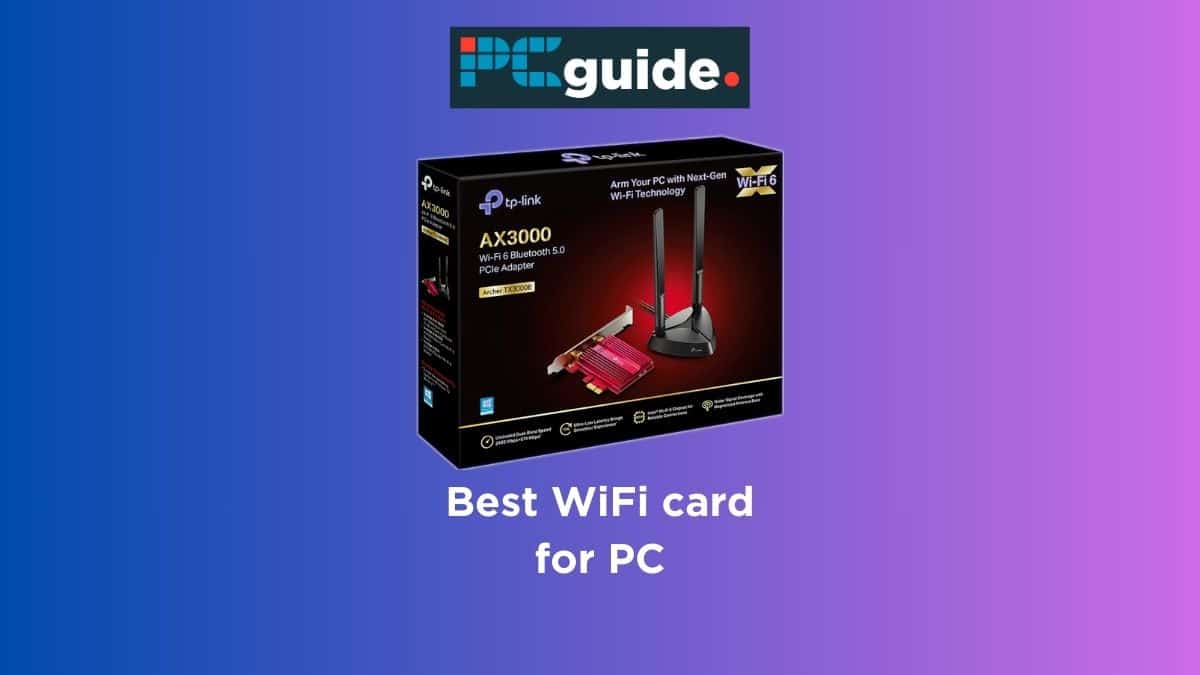

What Is The Best Network WiFi For Your Home Setup Best WiFi Card For PC 1 . 7 Best WiFi Cards For PC In 2026 Appuals ASUS PCE AC88 WiFi Card . Best WiFi Adapter For Gaming In 2026 Best Pci E Wifi Card . WiFi 7 Cards For Gaming PCs 2026 Ultimate Performance Upgrade Guide 89bdbfb1 699b 493f Ba55 Dc85b37a . Best PCI E Wifi Card In 2026 Best Wifi Adapter For Gaming


Amazon Com WiFi 6 PCIe Card For Gaming PC With Bluetooth 5 2 3000Mbps F7336229 1f0d 4318 9626 PT0 SX1464 V1 . Top 10 Best Wifi Card For Pc For 2026 Expert Tested Techzaru Product B09VCVTJV2 . Best Wifi Cards For Gaming Pcs 2026 Reviews Majesty Racing. 10 Best WiFi Card For Gaming PC In 2025 PCIe WiFi Cards WiFi Card For Gaming . 5 Best 2k Gaming Monitor In 2025 Gamers Choice Best WiFi Card For Gaming PC


Amazon Com WiFi 6 PCIe Card For Gaming PC With Bluetooth 5 2 3000Mbps AC SL1500 . Best Desktop WiFi Card Top 5 Options For Enhanced In 2026 61bqY3pGI1L . TOP 7 Best PCIe WiFi Cards For PC 2025 1 YouTube . Best Wi Fi Cards For Your PC In 2024 Best Wi Fi Cards For Your Pc In 2023 . 7 Best PCIe WiFi Cards In 2026 Best Pcie Wifi Cards

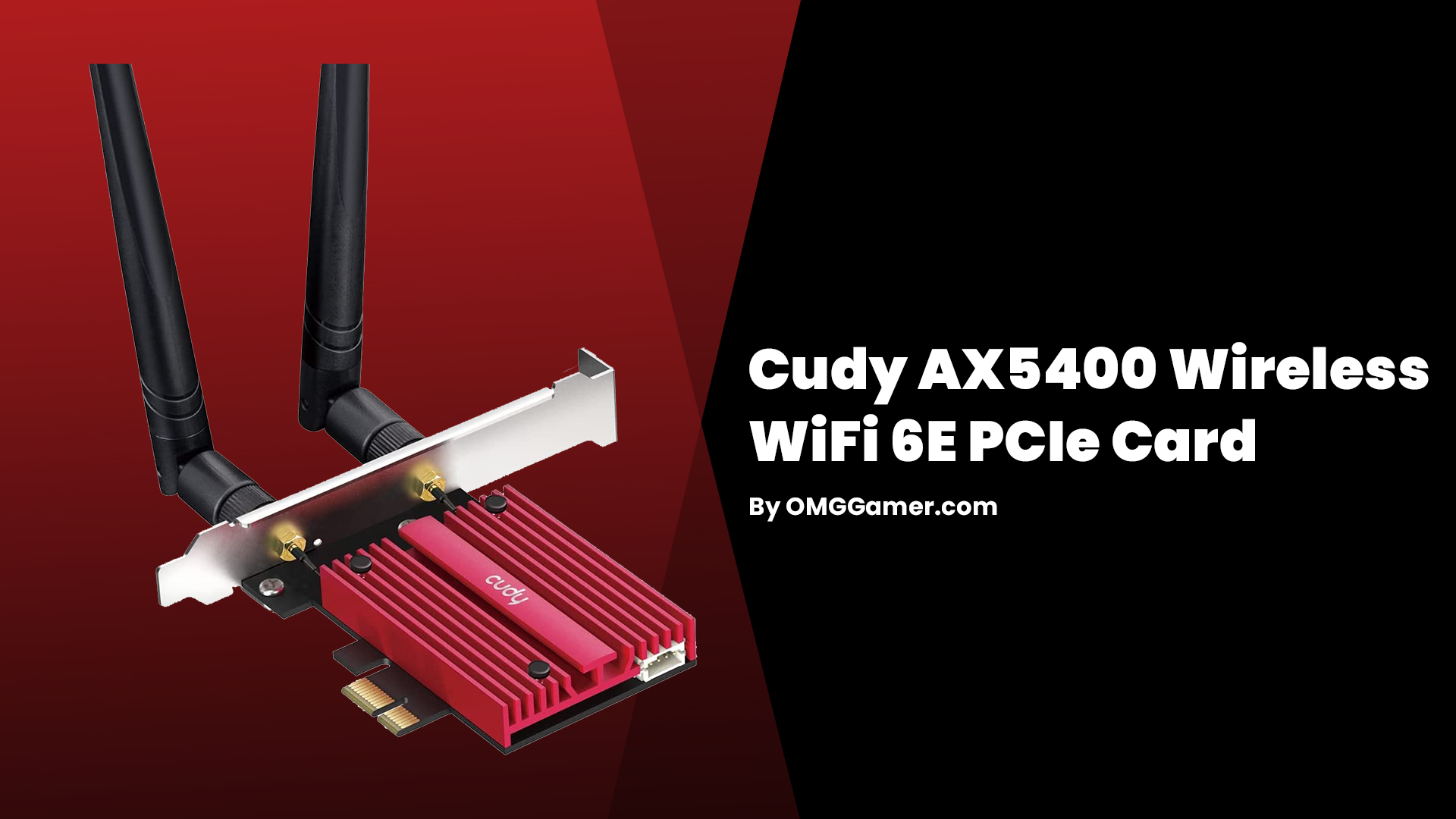
Jual Wifi Card Terlengkap Harga Terbaru Juli 2026 Shopee Indonesia Id 11134207 7rash. Best Desktop WiFi Card Top 5 Options For Enhanced In 2026 513FfctgOBL . 10 Best WiFi Card For Gaming PC In 2025 PCIe WiFi Cards GIGABYTE WiFi 6E GC WBAX210 . 10 Best WiFi Card For Gaming PC In 2025 PCIe WiFi Cards TP Link WiFi 6 PCIe WiFi Card . 10 Best WiFi Card For Gaming PC In 2025 PCIe WiFi Cards Cudy AX5400 Wireless WiFi 6E PCIe Card

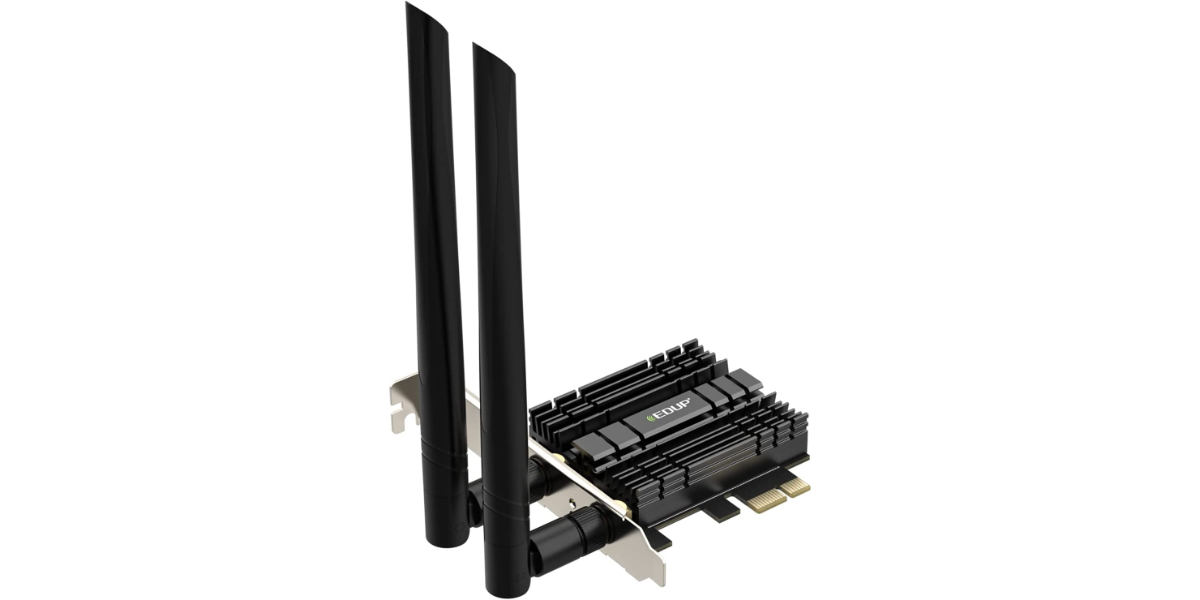

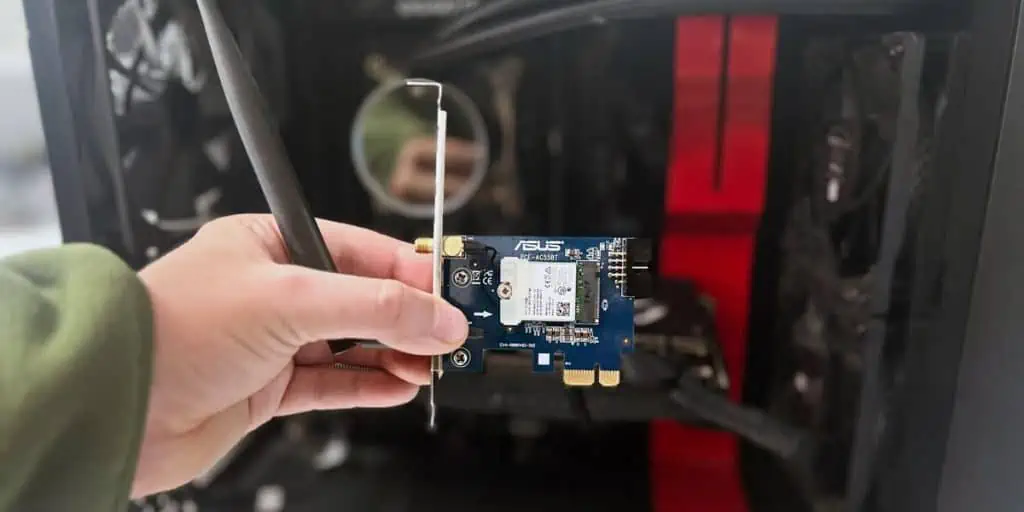
Jual Wifi Card Terlengkap Harga Terbaru Juni 2026 Shopee Indonesia Id 11134207 7r98p. The 10 Best Mini Pci Wifi Card 2026 Review 71Qp1jXnV L. AC SL1500 . 7 Best WiFi Cards For PC In 2026 Appuals EDUP PCIe Wi Fi 6 Card . 6 Best PCI Wireless Card For Gaming In 2026 EasyPCMod 41MPNU5a3CL . How To Install A Wi Fi Card Tech News Today How To Install Wifi Card

The 29 Best Wireless Network Cards Of 2026 Verified Cherry Picks SL600 . 7 Best WiFi Cards For PC In 2026 Appuals . 7 Best WiFi Cards For PC In 2026 Appuals . 7 Best WiFi Cards For PC In 2026 Appuals The Best PCIe WiFi Cards . 6 Best PCI Wireless Card For Gaming In 2026 EasyPCMod 511vprsRqZL



Best WiFi For Gaming 2026 Router Mesh Gaming PC Guru AC SL1500 . 7 Best WiFi Cards For PC In 2026 Appuals . 6 Best PCI Wireless Card For Gaming In 2026 EasyPCMod 41 FJY7gaaL . 10 Best Gaming Network Cards Of 2026 For Gaming Bliss SL500 . The 29 Best Wireless Network Cards Of 2026 Verified Cherry Picks SL600