Unlock the world of Xbox Cloud Gaming and discover how to seamlessly enjoy your favorite Xbox titles across multiple devices in 2026. This comprehensive guide will walk you through everything you need to know about how to do Xbox Cloud Gaming, from initial setup and subscription requirements to optimizing your connection and finding the best games. Whether you are a busy parent squeezing in gaming sessions during lunch breaks or a student enjoying competitive play on the go, we address common gamer pain points like latency, device compatibility, and maximizing your Game Pass Ultimate subscription value. Learn the tricks for smooth performance, connect with friends, and stay current with the latest gaming trends without breaking the bank or needing a dedicated console. Dive into the future of gaming with practical, actionable advice designed for the modern US gamer who values flexibility and convenience.
How do I start Xbox Cloud Gaming
To begin Xbox Cloud Gaming you need an Xbox Game Pass Ultimate subscription. Then, download the Xbox app on your mobile device or use a web browser like Edge or Chrome on your PC. Sign in with your Microsoft account, connect a compatible Bluetooth controller, and select a game to stream directly from the cloud.
What devices support Xbox Cloud Gaming
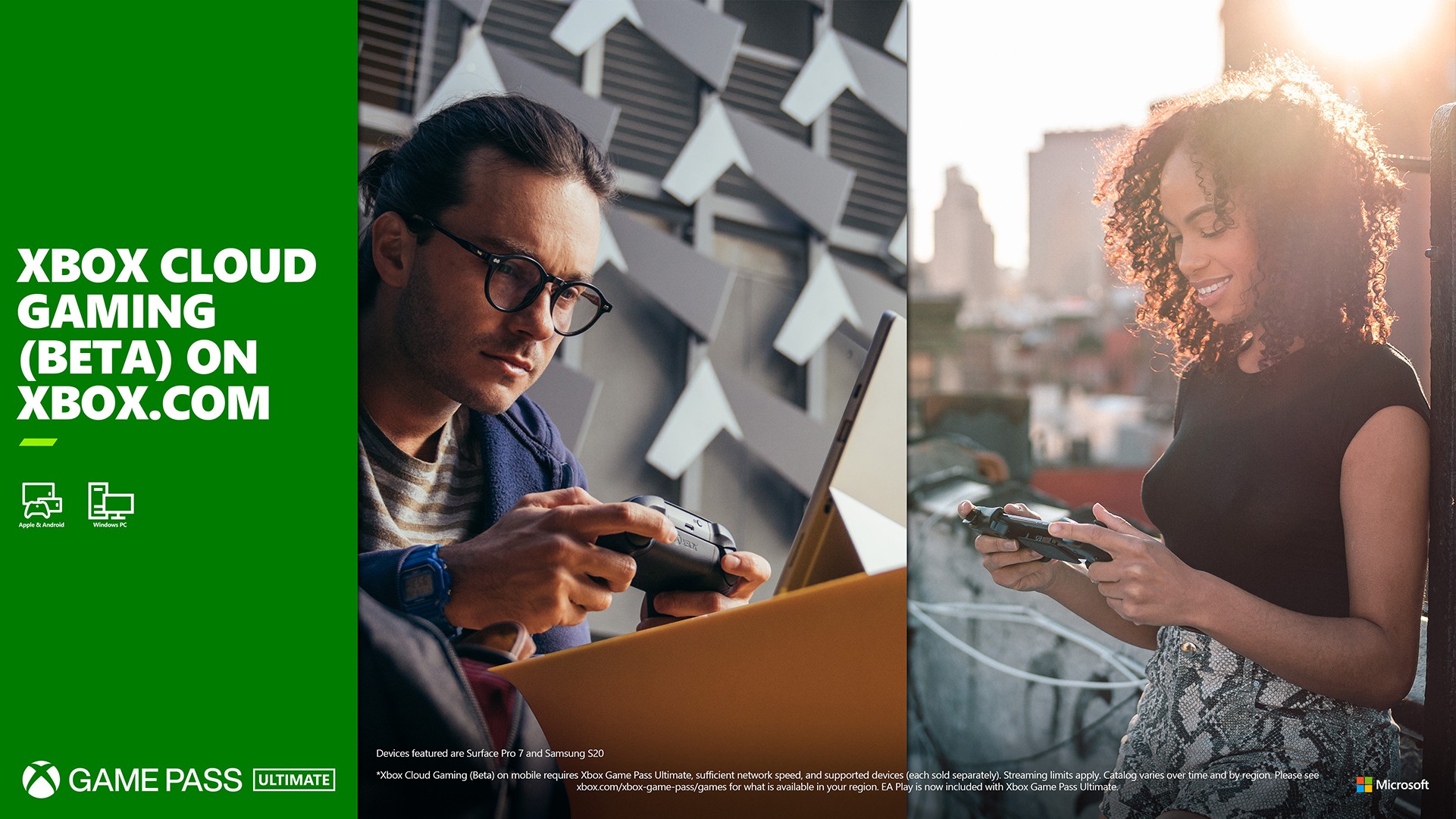
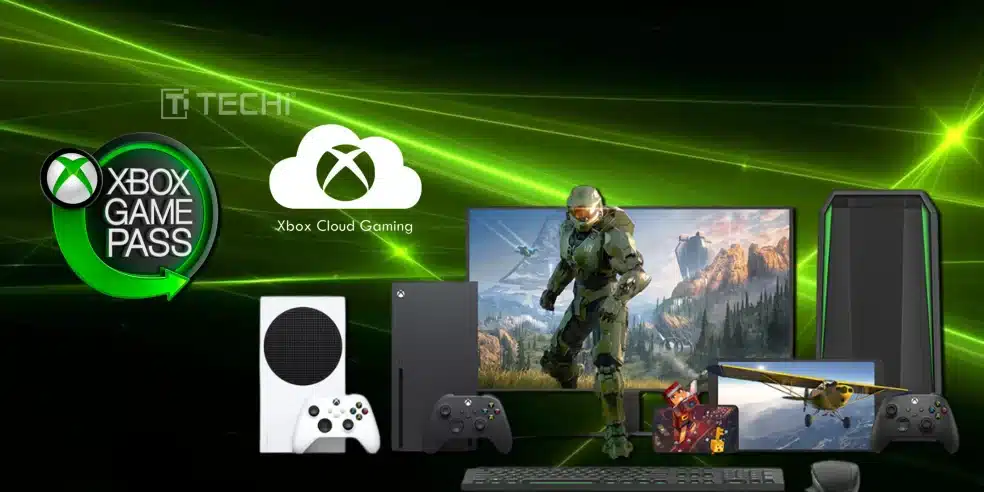
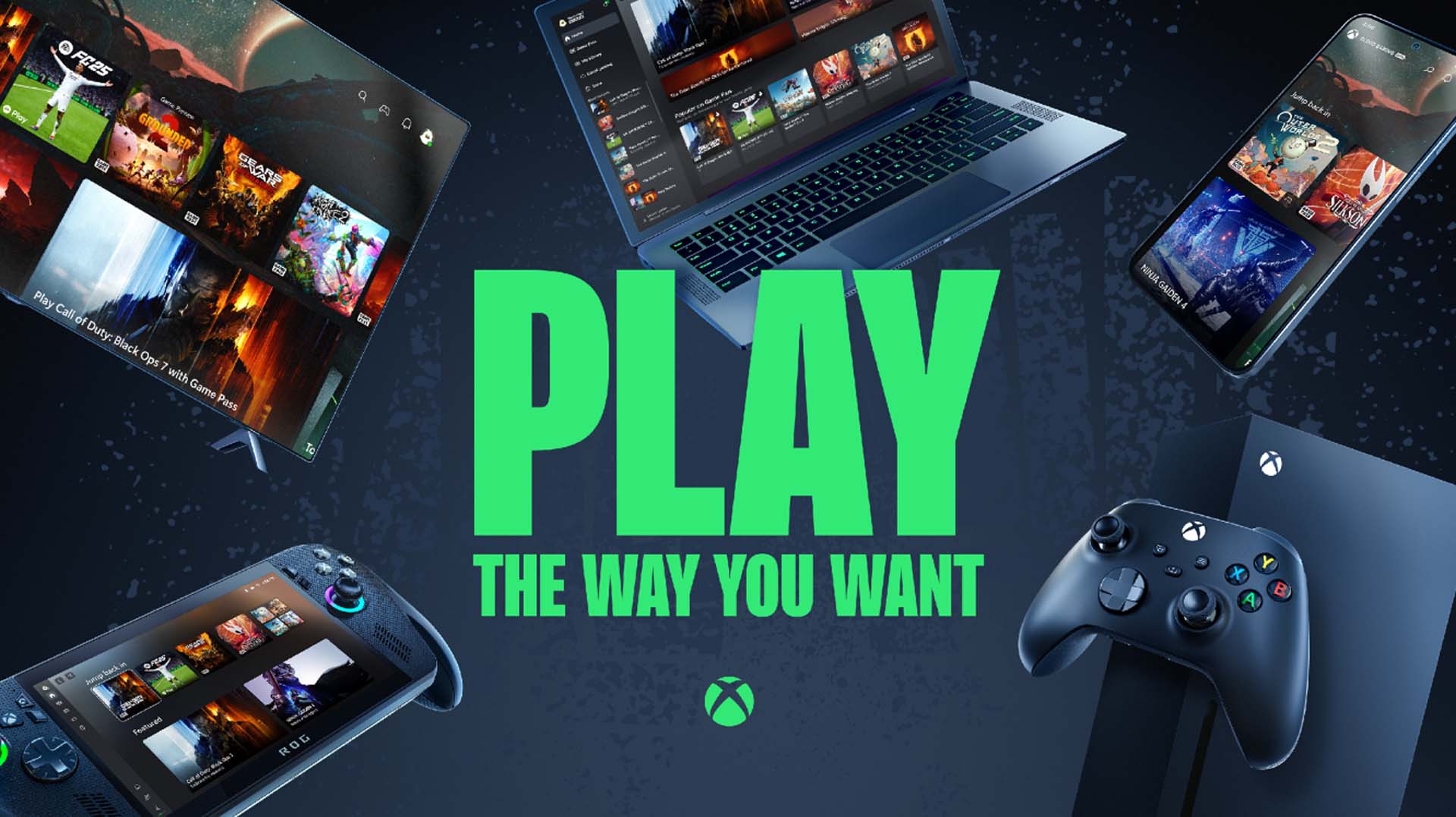
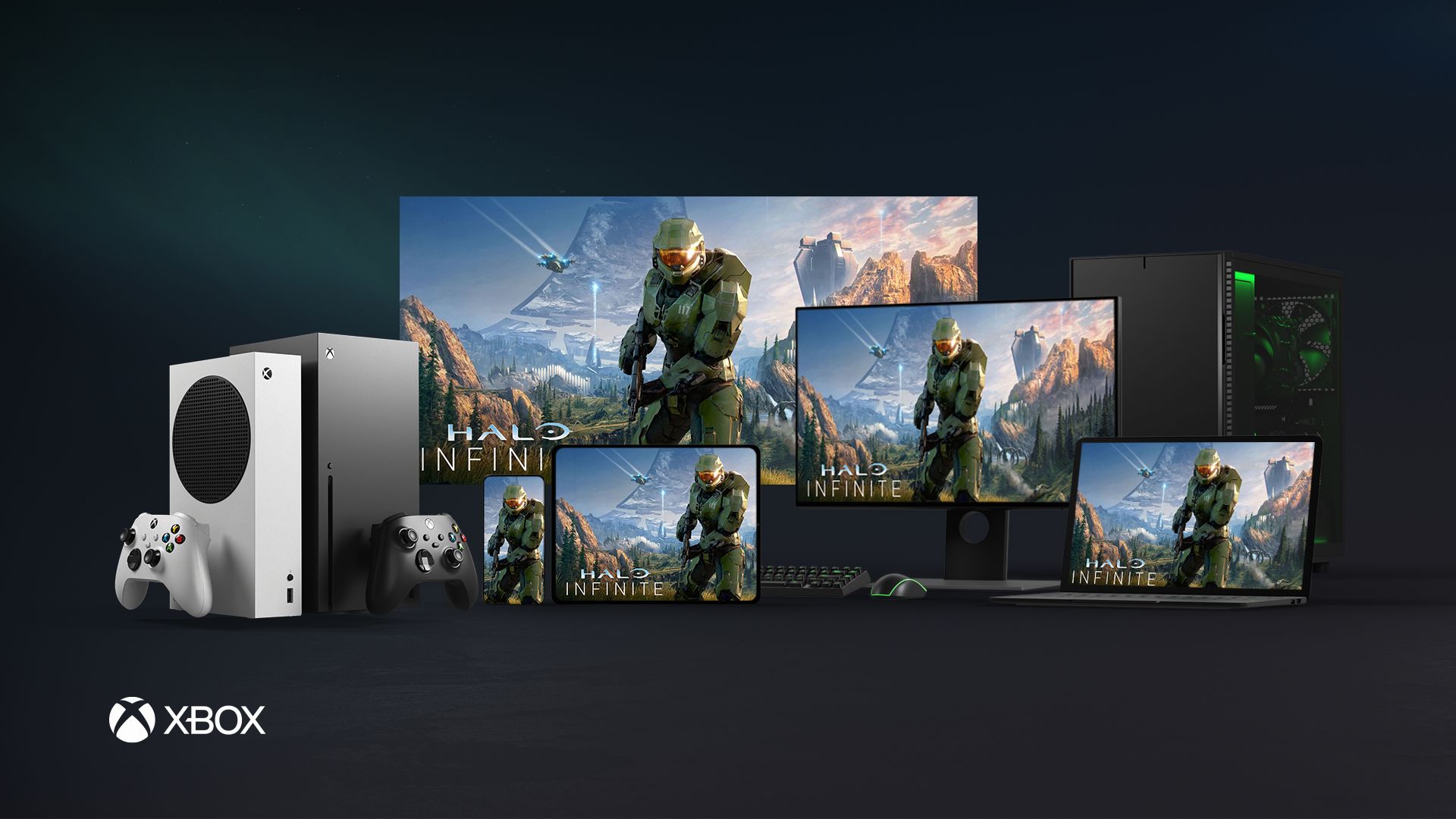
Xbox Cloud Gaming is widely supported across various devices. You can play on Android phones and tablets iPhones and iPads Windows PCs Macs and even select Samsung Smart TVs. The flexibility allows you to game almost anywhere you have a strong internet connection.
What is the internet speed requirement for Xbox Cloud Gaming
For an optimal Xbox Cloud Gaming experience a stable internet connection with a minimum download speed of 20 Mbps is recommended. However 50 Mbps or higher is ideal, especially if you want to minimize latency and ensure a smooth visual stream. A 5GHz Wi-Fi network or wired Ethernet is preferred.
Do I need a controller to play Xbox Cloud Gaming
While some mobile games offer basic touch controls for casual play a supported Bluetooth controller is highly recommended for the best Xbox Cloud Gaming experience. An Xbox Wireless Controller is ideal but many other Bluetooth controllers including some PlayStation controllers are compatible.
What games can I play on Xbox Cloud Gaming
Xbox Cloud Gaming offers a rotating library of hundreds of games from the Xbox Game Pass Ultimate catalog. This includes first-party Xbox exclusives like Halo and Forza popular third-party titles and various indie games. The available library updates regularly so check the Xbox app for the latest selection.
How can I reduce lag in Xbox Cloud Gaming
To reduce lag in Xbox Cloud Gaming ensure your internet connection is stable and fast preferably 5GHz Wi-Fi or wired Ethernet. Minimize other network usage close background applications and play closer to your router. Upgrading an older router can also help improve performance by optimizing network traffic.
Can I play my owned Xbox games via cloud streaming
Currently Xbox Cloud Gaming primarily provides access to games within the Xbox Game Pass Ultimate library. You cannot stream games you have purchased digitally or physically unless they are also part of the cloud-enabled Game Pass catalog. This feature might evolve in the future but is not available as a general option right now.
Is Xbox Cloud Gaming good for competitive games
For most competitive games Xbox Cloud Gaming can introduce slight input latency due to the streaming nature. While often imperceptible in slower-paced games highly competitive players might notice a disadvantage in fast-twitch shooters or fighting games compared to playing natively on a console or PC. Casual competitive play is generally fine.
Does Xbox Cloud Gaming support multiplayer
Yes Xbox Cloud Gaming fully supports online multiplayer. You can join parties chat with friends and play against or with others just as you would on a physical Xbox console. Your Xbox friends list and multiplayer access are seamlessly integrated via your Game Pass Ultimate subscription.
How does Xbox Cloud Gaming save my game progress
Your game progress on Xbox Cloud Gaming is automatically saved to the cloud through your Xbox profile. This means you can pick up where you left off on any compatible device whether you were playing on a console PC or another cloud gaming session ensuring your progress is always synced.
Can I use a keyboard and mouse with Xbox Cloud Gaming
Currently Xbox Cloud Gaming primarily supports controller input. While some PC games might natively support keyboard and mouse, the cloud streaming service itself is optimized for controllers. Direct keyboard and mouse input for streamed console games is not widely supported as of 2026.
What are the benefits of Xbox Cloud Gaming for busy adults
Xbox Cloud Gaming offers busy adults immense flexibility allowing them to play high-quality games on short breaks or during commutes without a console. It removes the need for large downloads and costly hardware providing a budget-friendly way to enjoy gaming, unwind, and stay connected with friends despite a busy schedule.
Life in 2026 for the average US gamer is a constant juggle. You are likely balancing a job, family, and personal commitments, yet that urge to unwind with an epic gaming session or connect with friends online is stronger than ever. The days of needing a dedicated console and hours of free time just to dive into a game are fading. This is where Xbox Cloud Gaming shines, offering a revolutionary way to play. But how do you do Xbox Cloud Gaming effectively? Many gamers face setup hurdles, performance worries, or simply do not know where to start. This guide is your trusted friend, here to demystify the process and help you seamlessly integrate high-quality gaming into your busy life without the hype, just practical solutions.
US gaming statistics show that 87% of gamers regularly play, averaging over 10 hours a week, with mobile gaming dominating and social play trending. Xbox Cloud Gaming caters perfectly to these realities, allowing you to pick up and play across your phone, tablet, PC, or even a smart TV. Imagine playing the latest Halo title during your lunch break, or continuing your Forza campaign on your laptop after the kids are asleep, all without downloading a single game. We will address all your burning questions and common pain points, from getting started to optimizing your experience and discovering hidden gems in the cloud library. Let us unlock the full potential of your Xbox Game Pass Ultimate subscription.
What Exactly Is Xbox Cloud Gaming and How Does It Work
Xbox Cloud Gaming often referred to as Project xCloud is Microsofts service that lets you play a growing library of Xbox games on various devices without needing a physical Xbox console. Instead of your device processing the game, it runs on powerful Xbox hardware in Microsofts data centers. You simply stream the game video to your device and send your controller inputs back to the data center, all over the internet. This means the heavy lifting is done remotely allowing you to enjoy AAA titles even on less powerful hardware like a smartphone or a basic laptop.
Think of it like streaming a movie on Netflix or Hulu. The movie is not downloaded to your device; it is played remotely and streamed to you. Xbox Cloud Gaming operates on the same principle but for interactive video games. This technology has matured significantly, offering a smooth and responsive experience for most users, making it an excellent option for busy gamers who value flexibility.
What Do I Need to Get Started with Xbox Cloud Gaming
To embark on your Xbox Cloud Gaming journey you will need a few key ingredients. These essentials ensure you have a smooth and enjoyable experience across any compatible device. Do not worry about expensive hardware upgrades; the beauty of cloud gaming is its accessibility.
- Xbox Game Pass Ultimate Subscription: This is the cornerstone. Xbox Cloud Gaming is exclusively bundled with the Game Pass Ultimate tier, which also includes access to a vast library of games for console and PC as well as Xbox Live Gold for online multiplayer.
- Compatible Device: You have a lot of options here. This includes Android phones and tablets iPhones and iPads Windows PCs Macs and even select smart TVs via the Xbox app or a web browser. Most modern devices released in the last few years should work fine.
- Reliable Internet Connection: This is perhaps the most critical component. Microsoft recommends at least a 20 Mbps download speed for optimal performance but faster is always better. A stable connection is more important than raw speed. A 5GHz Wi-Fi network or a wired Ethernet connection is highly recommended to minimize latency and dropped frames.
- Supported Controller: While some games offer touch controls for mobile devices a Bluetooth-enabled Xbox Wireless Controller is the gold standard for the best experience. Many other Bluetooth controllers including some PlayStation controllers are also supported.
How Do I Set Up Xbox Cloud Gaming on My Device
Setting up Xbox Cloud Gaming is straightforward regardless of your chosen device. The process usually involves downloading an app or simply using a web browser.
On Mobile Devices (Android iOS):
- Download the official Xbox app from your devices app store (Google Play Store for Android Apple App Store for iOS).
- Sign in with the Microsoft account associated with your Xbox Game Pass Ultimate subscription.
- Connect your Bluetooth controller to your phone or tablet. Go to your devices Bluetooth settings search for new devices and pair your Xbox Wireless Controller.
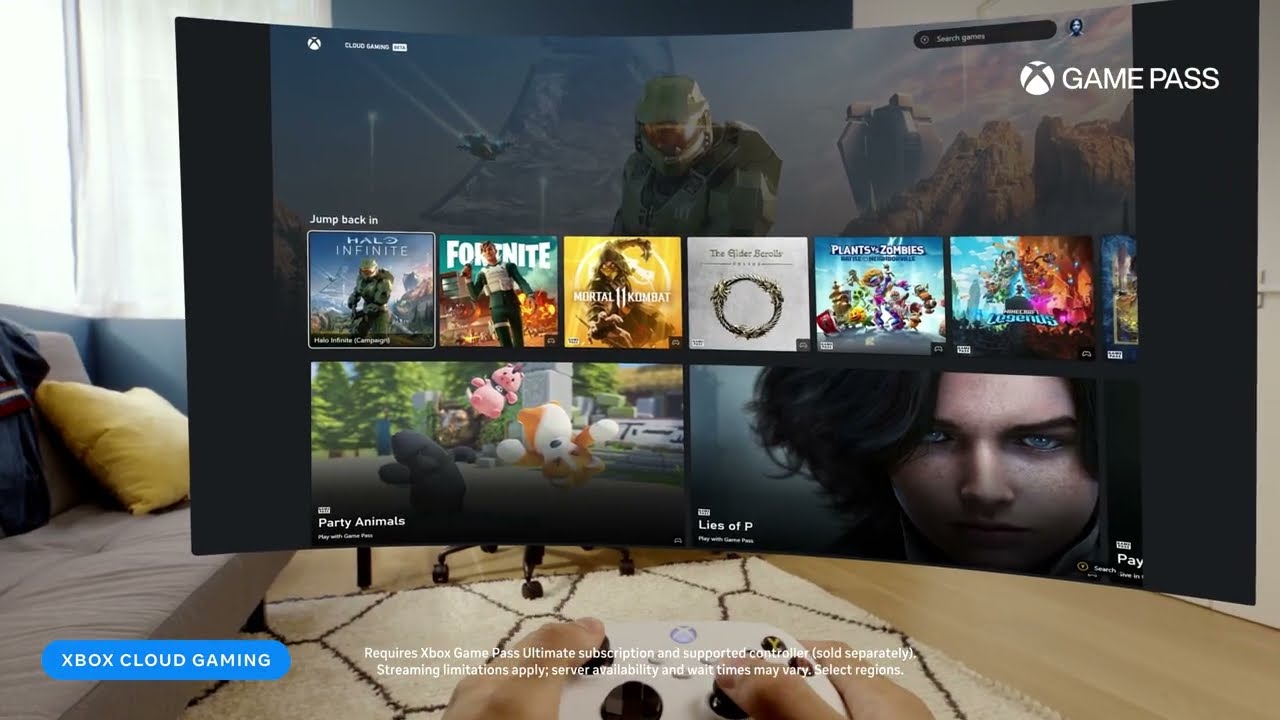
- In the Xbox app navigate to the Cloud Gaming tab. Browse the available games and tap to start playing.
On Windows PC or Mac:
- For Windows PCs you can use the Xbox app downloadable from the Microsoft Store or simply open your web browser (Edge Chrome Safari) and go to xbox.com/play.
- For Macs the web browser is your primary method.
- Sign in with your Microsoft account.
- Connect your controller. Most Xbox controllers will work wired via USB or wirelessly via Bluetooth or the Xbox Wireless Adapter for PC.
- Select a game and start your session.
On Smart TVs:
- If you have a compatible Samsung Smart TV (2022 models or newer) look for the Xbox app directly in the TV's app store.
- Sign in with your Microsoft account.
- Pair your Bluetooth controller directly to the TV.
- Launch the app and enjoy.
How Can I Optimize My Xbox Cloud Gaming Performance
Performance is key to an enjoyable cloud gaming experience. Latency and visual quality can vary but with a few tweaks you can significantly improve your gameplay. Gamers in 2026 demand smooth framerates and minimal lag, especially for competitive titles.
- Internet Connection Stability: Use a wired Ethernet connection whenever possible especially for PCs and consoles that support it. If using Wi-Fi ensure you are on a 5GHz network band and as close to your router as possible. Avoid crowded Wi-Fi channels.
- Minimize Network Congestion: If others on your network are streaming 4K video downloading large files or running bandwidth-heavy applications it will impact your cloud gaming. Pause these activities during your gaming session.
- Close Background Applications: On your device close any unnecessary apps or browser tabs that might be consuming resources or bandwidth.
- Use a Compatible Router: An older or low-quality router might struggle to handle the demands of cloud gaming. Consider upgrading to a modern router with QoS (Quality of Service) features to prioritize gaming traffic.
- Location Matters: The closer you are to a Microsoft Azure data center, the better your latency will be. While you cannot change your physical location you can sometimes check Microsofts service status pages for regional performance.
What Games Are Available on Xbox Cloud Gaming
The Xbox Cloud Gaming library is dynamic and extensive, drawing from the vast collection of games available through Xbox Game Pass Ultimate. It includes a mix of first-party Xbox titles, popular third-party blockbusters, and indie gems. You will find everything from fast-paced shooters to relaxing cozy games, catering to all types of gamers.
Key highlights often include:
- First-Party Xbox Exclusives: Titles like Halo Infinite Forza Horizon 5 Gears 5 and Starfield are typically available on day one for Game Pass Ultimate subscribers and accessible via cloud gaming.
- Popular Third-Party Games: A rotating selection of major titles from various publishers is always available. The library changes monthly so keep an eye on new additions.
- Indie Games: Many critically acclaimed independent titles are also part of the cloud gaming lineup offering diverse experiences for those looking to explore something new.
- EA Play Integration: Since EA Play is included with Game Pass Ultimate many popular EA titles are also accessible through cloud gaming.
Remember to check the Xbox Game Pass app or website regularly for the most up-to-date list of cloud-enabled games. Not all Game Pass titles are available via cloud streaming but a significant and growing portion are.
Can I Play Xbox Cloud Gaming with Friends Online
Absolutely. One of the greatest advantages of Xbox Cloud Gaming is its full integration with the Xbox ecosystem meaning you can play online with your friends just as you would on a console. Social gaming remains a huge trend in 2026, and cloud gaming ensures you are never left out of the party.
- Cross-Play Support: Many cloud-enabled games support cross-play allowing you to game with friends whether they are on an Xbox console PC or even other mobile cloud gaming devices.
- Xbox Party Chat: You can use Xbox Party Chat through the Xbox app on your device to communicate with your friends while playing. This is essential for cooperative games or competitive multiplayer.
- Seamless Integration: Your Xbox friends list achievements and game saves are all synced via your Microsoft account so your social gaming experience is consistent across all platforms.
Just ensure your microphone is connected and working if you plan on using voice chat. Cloud gaming truly breaks down barriers, letting you connect with your gaming crew from almost anywhere.
Are There Any Downsides or Limitations to Xbox Cloud Gaming
While Xbox Cloud Gaming offers incredible convenience it is not without its limitations. Understanding these can help manage expectations and troubleshoot potential issues.
- Internet Dependency: This is the biggest factor. A poor or unstable internet connection will result in a degraded experience with noticeable lag input delay and visual artifacts. If your internet struggles cloud gaming will too.
- Visual Quality: While good, it typically will not match the crispness or graphical fidelity of a game running natively on a powerful Xbox Series X or a high-end gaming PC. The stream quality is compressed and capped at 1080p at 60fps for most titles.
- Input Latency: There will always be a slight delay between your controller input and the action appearing on screen due to the round trip to the data center. For most casual games it is imperceptible but competitive players might notice it in fast-paced genres.
- Game Library: While extensive not every game available on Game Pass is optimized or available for cloud streaming. Developers need to enable cloud play.
- Touch Controls: While available for some games touch controls are often not ideal for complex titles and a physical controller is highly recommended for the best experience.
For the average gamer these limitations are often minor compared to the flexibility and access cloud gaming provides. It is about finding the right balance for your gaming habits.
Can I Play Games I Already Own Through Xbox Cloud Gaming
Currently Xbox Cloud Gaming primarily focuses on the Game Pass Ultimate library. This means you cannot stream games you have purchased digitally or physically if they are not part of the Game Pass Cloud Gaming catalog. While there have been discussions and experiments around bringing owned games to the cloud for now your primary access is through the Game Pass Ultimate subscription.
This is an important distinction, as many gamers might assume their entire digital library is accessible. Always check if a game is listed as cloud-enabled within the Game Pass app. The service is constantly evolving, so this feature might change in the future, but as of 2026, it is largely a Game Pass Ultimate exclusive offering.
How Does Xbox Cloud Gaming Compare to Other Streaming Services
The cloud gaming landscape is growing but Xbox Cloud Gaming stands out due to its tight integration with the Xbox ecosystem and Game Pass Ultimate. While services like NVIDIA GeForce NOW focus on streaming PC games you already own and Amazon Luna offers its own channel-based subscription model Xbox Cloud Gaming provides a console like experience without the console.
Its key advantage is the massive Game Pass library included with the Ultimate subscription offering incredible value for money. Performance wise it is competitive with other top tier services striving for low latency and high quality streams. The ease of access across a wide range of devices from mobiles to smart TVs also makes it a strong contender for casual and dedicated gamers alike who prioritize flexibility.
In conclusion Xbox Cloud Gaming is a game changer for the modern gamer allowing you to play anywhere anytime without major hardware investment. From understanding the basics of how do you do Xbox Cloud Gaming to optimizing your settings and finding the best titles you are now equipped to dive in. It empowers you to balance your passion for gaming with life's demands. So what are you waiting for Grab your controller and jump into your next adventure.
What is your biggest gaming challenge that cloud gaming could solve for you Comment below and let us discuss it!
FAQ Section
Is Xbox Cloud Gaming free? No Xbox Cloud Gaming requires an active Xbox Game Pass Ultimate subscription. It is not available with the PC Game Pass or standard Xbox Game Pass tiers.
Do I need an Xbox console to use cloud gaming? No that is the beauty of it. You do not need a physical Xbox console to enjoy Xbox Cloud Gaming. You only need the Game Pass Ultimate subscription and a compatible device with a good internet connection.
Can I use a PlayStation controller for Xbox Cloud Gaming? Yes many Bluetooth-enabled controllers including PlayStation DualShock 4 and DualSense controllers are compatible with Xbox Cloud Gaming on various devices. Check your devices Bluetooth settings for pairing.
What is the best internet speed for Xbox Cloud Gaming? Microsoft recommends a minimum of 20 Mbps download speed but a stable connection is more crucial. For the best experience aim for 50 Mbps or higher with a 5GHz Wi-Fi or wired Ethernet connection.
Does Xbox Cloud Gaming use a lot of data? Yes streaming games consumes significant data. Expect to use several GBs per hour of gameplay. If you have a capped internet plan monitor your data usage closely. Playing on Wi-Fi is generally recommended over mobile data.
Can I play Xbox Cloud Gaming offline? No Xbox Cloud Gaming is an online streaming service and requires a persistent internet connection to function. There is no offline play capability for cloud-streamed games.
Xbox Cloud Gaming requires Xbox Game Pass Ultimate subscription, compatible device like phone tablet PC or smart TV, a reliable high-speed internet connection preferably 5GHz WiFi or wired Ethernet, and a supported Bluetooth controller. It allows playing a vast library of Xbox titles without a console, offering flexibility for gamers on the go or those seeking budget friendly options.
35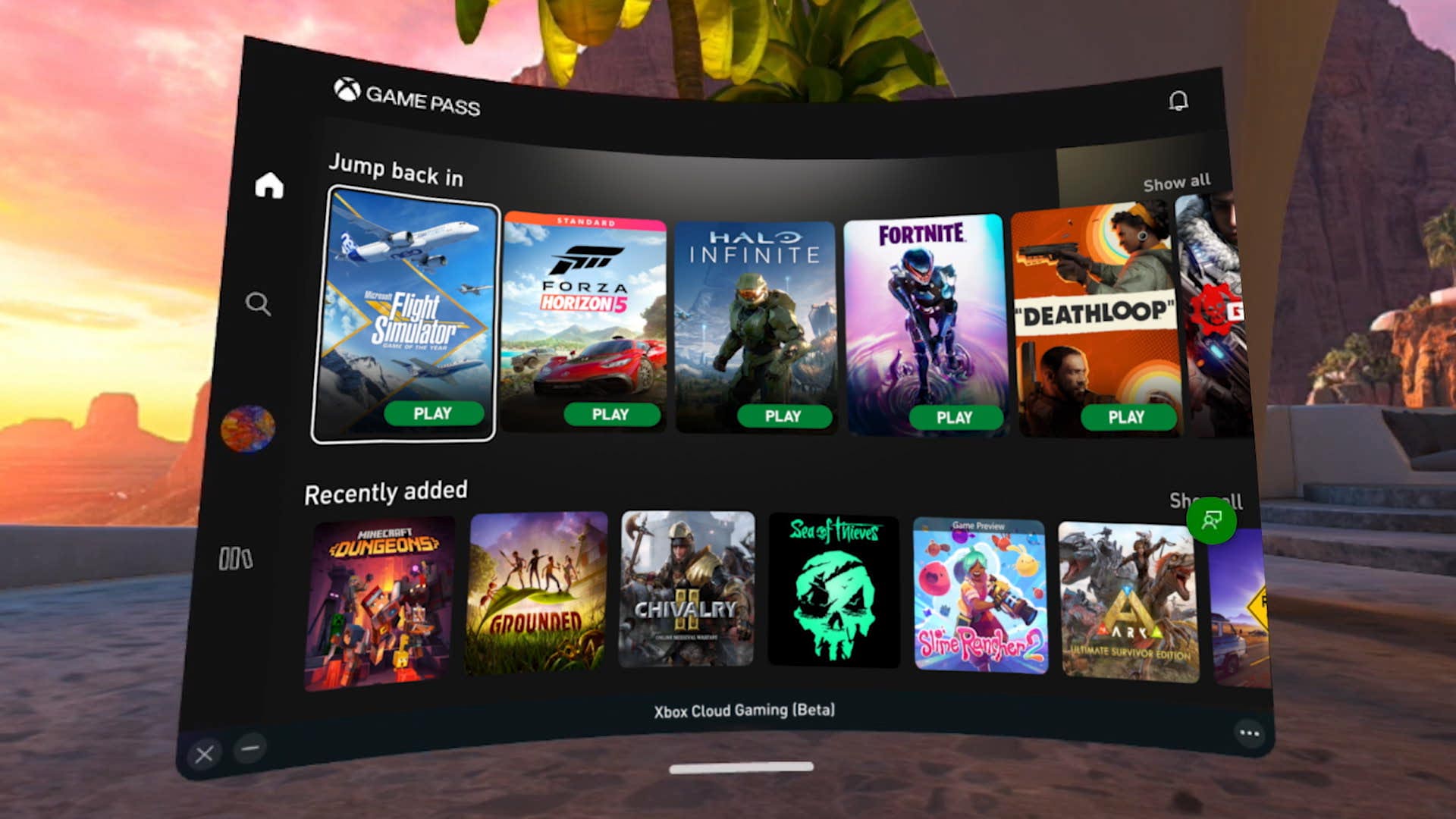


Xbox Cloud Gaming Is It Changing How We Play Forever Xbox Cloud Gaming Menu . Xbox Cloud Gaming Is It Changing How We Play Forever Xcg.webp. Xbox Cloud Gaming Is It Changing How We Play Forever Xcg S1.webp. Xbox Cloud Gaming In 2026 The Complete Guide To Streaming Free Tiers Xbox Cloud Gaming 1 . Xbox Cloud Gaming Finally Arrives In Windows PCWorld Xbox Cloud Gaming On Windows 11 Xbox App 100902843 Orig
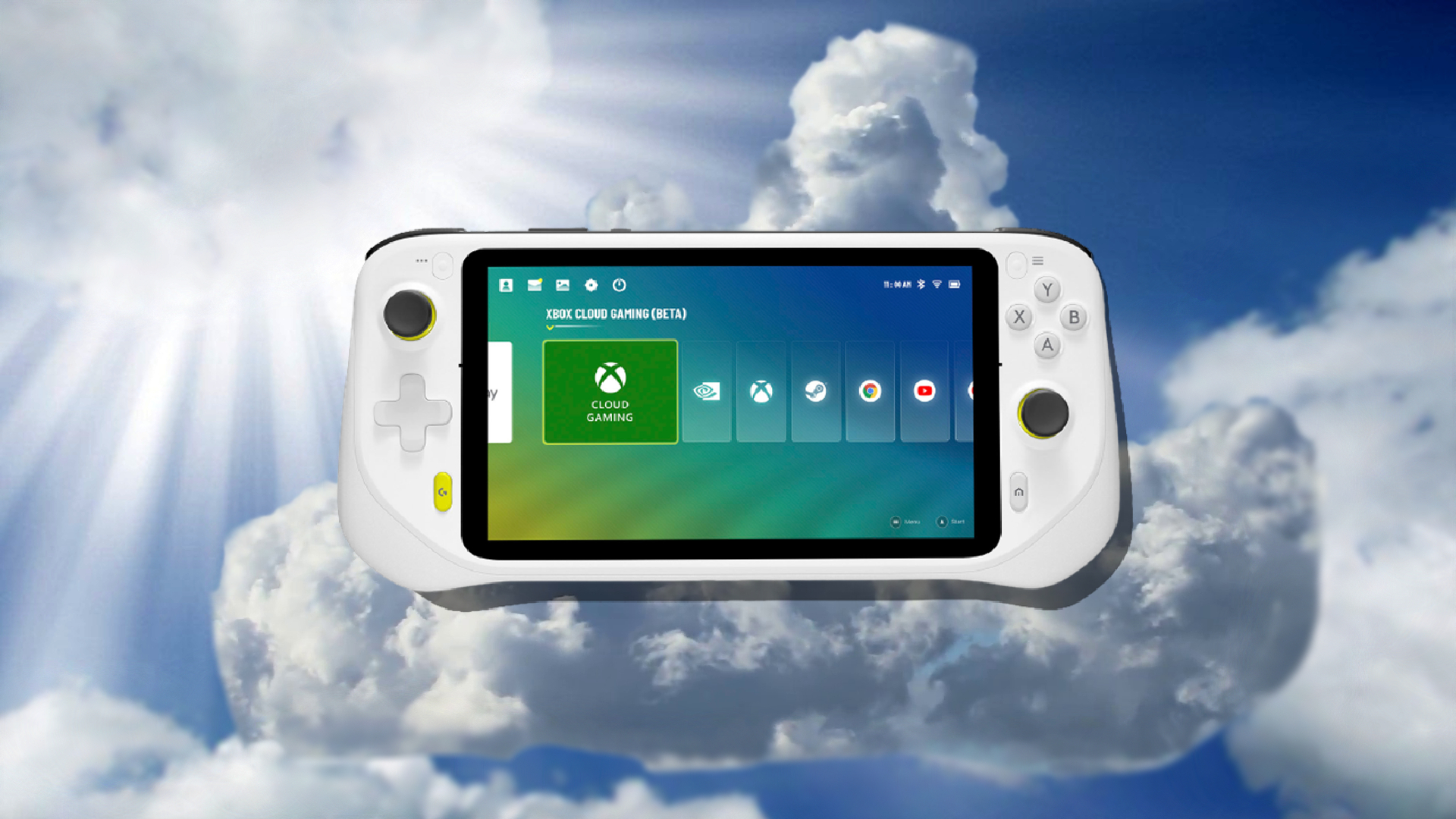



Xbox Leadership Gets A Shake Up In 2026 Current CFO Tim Stuart . Xbox Cloud Gaming Bald Neue Aufl Sungen Und Bessere Qualit T Xbox Fse.webp. Xbox Cloud Gaming Everything You Need To Know Xbox Cloud Gaming . People Are Spending A Lot More Time On Xbox Cloud Gaming Neowin 1720465367 Xbox Cloud Gaming 1 Story . How To Get Xbox Cloud Gaming On Steam Deck Xbox Cloud Games On Steam Deck.webp


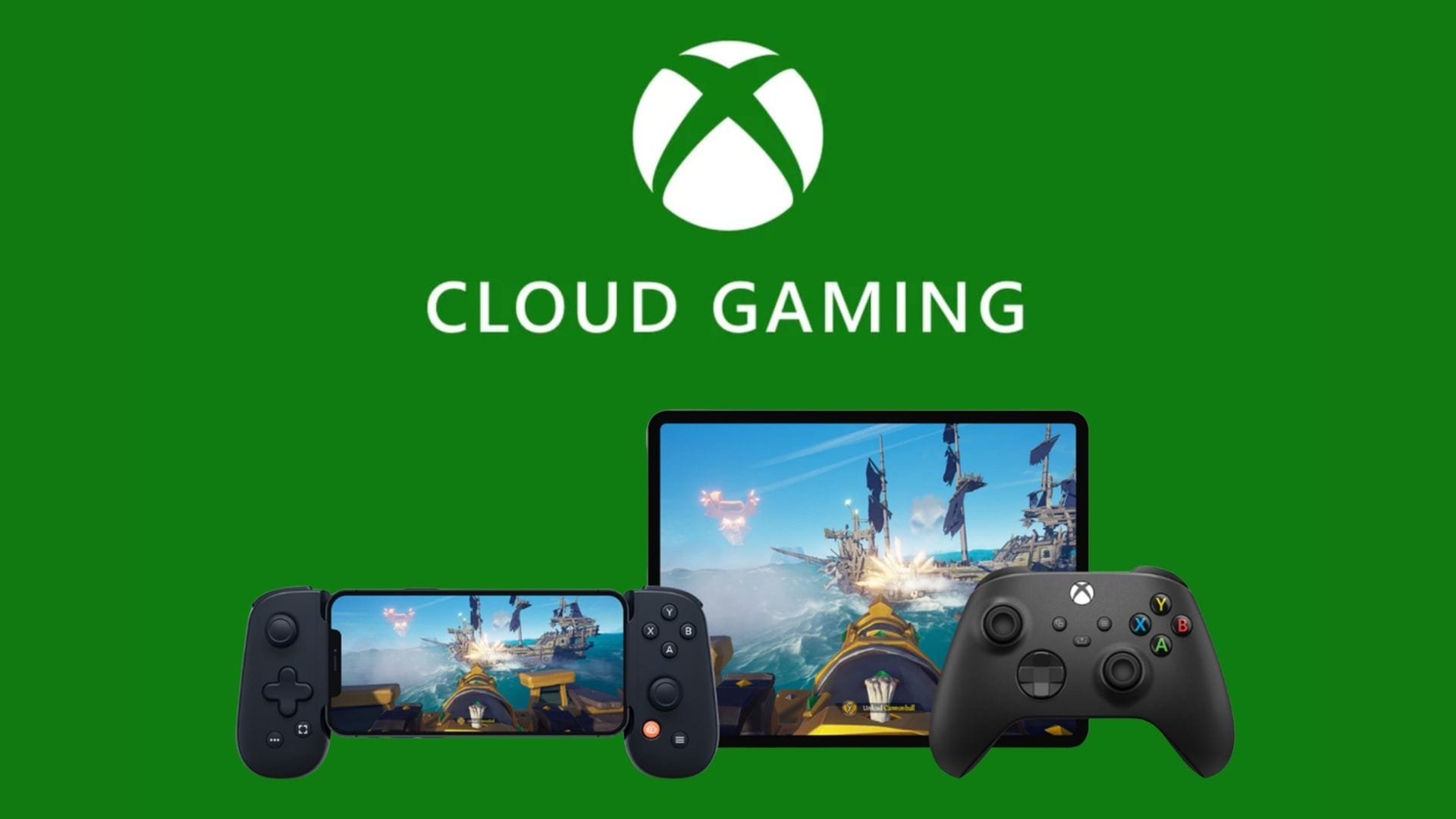
Xbox Brings Cloud Gaming Fun To Amazon Fire TVs Digital Trends Xbox . Xbox Cloud Gaming Gets Major On IPhone And IPad Xbox Cloud Gaming Trio . Xbox Cloud Gaming Guide How It Works Setup 2026 Xbox Cloud Gaming 1 1. Xbox Cloud Gaming Refresh Hints At Future Xbox Console Interface Tech Xbox Cloud Gaming Refresh Hints At Future Xbox Console Interface . Xbox Cloud Gaming Now Running On Xbox Series X Expanded PC And Apple Cloud Gaming Static 1080 Jpg


Xbox Cloud Gaming Is Quietly Dismantling Console Wars 2025 09 05 Microsoft Expands Xbox Cloud Gaming To Game Pass Core And Standard Subscribers Techi@2x. Getting Started With Xbox Cloud Gaming XBOX Wire Cloud . Xbox Cloud Gaming Game Pass Core Standard Que Es Xbox Cloud Gaming Xcloud . Xbox Cloud Gaming Kommt Zu Game Pass Core Und Standard Xbox Cloud Gaming . Cloud Gaming Play Anywhere Anytime Xbox Cloud Gaming New Games 4k Streaming Report 2

Xbox Cloud Gaming Is It Changing How We Play Forever Xbox Game Pass Rompera Records En 2026 Con 75 Juegos De Lanzamiento Dia Uno 1 . Why Is Xbox Cloud Gaming Lag On PC 8 Fixes To Speed It Up Xbox Cloud Gaming Lag On Pc. Vers O Gr Tis Do Xbox Cloud Gaming Com An Ncios Chega Em 2026 Segundo XBOX CLOUD GAMING C03f1aab4b . GDC 2025 Xbox Cloud Gaming Beta Expanding Your Reach Enhancing GDC2025 Image Open Graph. Unleashing The Power Of Xbox Cloud Gaming Unblocked The Daily Insight Xbox Cloud Gaming Unblocked 720


Is Xbox Cloud Gaming Free The Honest Answer 2026 GPM Xbox Cloud Gaming 1.webp. Xbox Cloud Gaming Guide How It Works Setup 2026 Xbox Cloud Gaming. New On Xbox Game Pass January 2026 Include Resident Evil Village Xbox Game Pass Jan 2026 . Lineup Revealed For Xbox Game Pass Games March 2026 Xbox.webp. How Many Subscribers Does Xbox Cloud Gaming Have 2026 Statistics Xbox Cloud Gaming Stats 770x433
_20251111163908_original_image_29.webp)

Xbox Cloud Gaming Arrives In India A New Era Of Gaming Original Image 29.webp. What Is Cloud Gaming On Xbox Everything You Need To Know GamesRadar . Xbox Cloud Gaming XCloud What You Need To Get Started 650 80 . Start Your Meta Quest 3 Journey Off Right With My Favorite VR Games And . What Is Cloud Gaming On Xbox Everything You Need To Know GamesRadar 1920 80